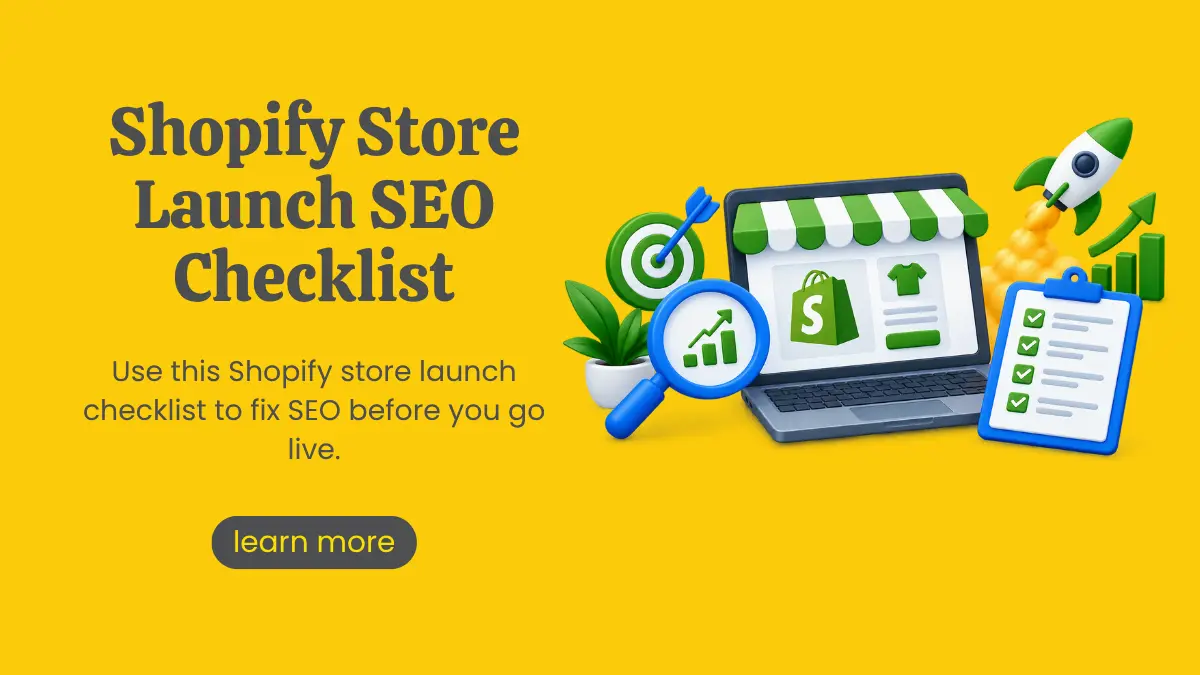
Shopify Store Launch SEO Checklist: 25 Steps to Complete Before You Go Live
Summarize with AI


Your products are ready. Your theme looks great. Your launch post is scheduled. But will anyone actually find your store on Google?
Here's the hard truth. Google still handles 90.46% of global searches, and a store that launches without SEO groundwork starts that race several laps behind. Fixing titles, URLs and site structure after launch is slower, messier and often costs you rankings you could have had from day one.
That's why we've put together this Shopify store launch checklist focused purely on search. Think of it as your Shopify SEO guide for the final stretch before going live. Work through these 25 steps, tick them off one by one, and your store will be ready to rank, not just ready to sell.
Why Shopify Pre-Launch SEO Matters
Shopify does a lot of SEO heavy lifting for you. It creates a sitemap, adds canonical tags and offers free SSL. But it can't write your product titles, pick your keywords or decide how your collections should be organised.
Shopify pre-launch SEO is about getting those decisions right while the store is still a blank canvas. Once Google crawls and indexes your pages, every change becomes a correction instead of a choice.
We've grouped the 25 steps into five stages so you can move through them in order.
Your Ecommerce SEO Checklist at a Glance
Stage 1: Foundation and Store Settings
1. Connect Your Custom Domain and Set It as Primary
Your myshopify.com address is fine for building, but not for ranking. Connect your custom domain and set it as the primary domain so every other version (including the myshopify.com URL) redirects to it. This keeps all your SEO value pointing at one address.
2. Confirm SSL Is Active
Shopify provides free SSL certificates, but it can take a little time to activate after you connect a domain. Check that your store loads on https with the padlock showing. HTTPS is a basic trust signal for both Google and shoppers.
3. Choose a Fast, Lightweight Theme
Flashy themes with heavy sliders, video backgrounds and animations look impressive in demos and load slowly in real life. Pick a theme built for speed, then test the demo store with Google PageSpeed Insights before committing.
4. Plan When to Remove Password Protection
A password-protected store cannot be indexed by Google. Keep the password page on while you build, but put a firm removal date in your launch plan. Many new stores lose weeks of indexing simply because the password stayed on after launch.
5. Set Your Homepage Title and Meta Description
In your Online Store preferences, write a homepage title and meta description that clearly says what you sell. "Handmade Cotton Kurtis Online | Brand Name" tells Google far more than "Welcome to Our Store."
Stage 2: Keyword Research and Site Structure
6. Do Keyword Research for Every Page Type
Your homepage, collections, products and blog posts each serve different searches. Collections usually target broader category terms ("men's running shoes"), while products target specific ones ("lightweight trail running shoes for men"). Use tools like Google Keyword Planner, Ahrefs or Semrush to find terms with real search volume and buying intent.
7. Map One Primary Keyword to One Page
Give every important page its own primary keyword. When two collections chase the same term, they compete with each other and neither ranks well. A simple spreadsheet mapping keyword to URL keeps your team aligned and prevents this.
8. Plan Your Collection Architecture
Good structure helps both shoppers and search engines. Aim for a clear hierarchy: homepage, then main collections, then sub-collections, then products. Ideally, any product should be reachable within three clicks from the homepage.
9. Clean Up Your URL Handles
Shopify fixes the folder structure (/products/, /collections/, /pages/), but you control the handle at the end. Keep it short, lowercase and keyword-focused.
Good: /products/blue-linen-shirt
Not ideal: /products/blue-linen-shirt-summer-collection-new-arrival-2026-copy
Set these before launch. Changing URLs later means relying on redirects.
10. Build Smart Navigation and Internal Links
Your main menu, footer and in-page links tell Google which pages matter most. Link your top collections from the homepage, link related products to each other, and link blog posts to the collections they discuss.
Stage 3: On-Page Optimisation
11. Write Unique, Descriptive Product Titles
Include the product type and a key attribute shoppers search for. "Organic Cotton Baby Romper, Pastel Green" beats "The Bella" every time, unless your brand name is already well known.
12. Write Original Product Descriptions
Copying manufacturer descriptions puts you in a pool of duplicate content alongside every other reseller. Write your own copy that answers real buyer questions: material, size, use case, care and why it's worth buying.
13. Fill In Meta Titles and Descriptions for Every Page
Each product, collection and page has a "Search engine listing" section in Shopify admin. Don't leave it on auto. Keep meta titles around 60 characters and descriptions under 155, with the main keyword near the start and a reason to click.
14. Add Intro Content to Collection Pages
A collection page with only a product grid gives Google very little to understand. Add a short, helpful intro (around 100 to 200 words) explaining what the collection includes and who it's for. Place it where it doesn't push products too far down the page.
15. Optimise Every Image
Images are often the biggest reason Shopify stores load slowly.
Before upload:
Rename files descriptively (red-silk-saree.jpg, not IMG_4021.jpg)
Compress them without visible quality loss
Add descriptive alt text to every product image
Alt text helps with accessibility and gives your products a chance to appear in Google Images.
16. Publish Your Trust Pages
About, Contact, Shipping, Returns, FAQ, Privacy Policy and Terms pages aren't just legal boxes to tick. They build credibility with shoppers and with Google's quality signals, especially for a new brand with no reviews yet.
17. Check Your Heading Structure
Each page should have one clear H1 (usually the product or collection name), followed by logical H2s and H3s. Some themes wrap the logo or announcement bar in H1 tags by mistake, so inspect your theme before launch.
ALSO READ: Conversion Killers of a Shopify Store: Fix These Before They Cost You Sales
Stage 4: Technical SEO
18. Check Your Sitemap
Shopify automatically generates a sitemap at yourdomain.com/sitemap.xml. Open it and make sure your products, collections, pages and blog posts are listed. Remove test products and draft pages so they don't end up in the sitemap.
19. Review Your Robots.txt File
Shopify's default robots.txt blocks pages like cart and checkout, which is exactly what you want. It can be customised through the robots.txt.liquid template, but only edit it if you know what you're doing. One wrong line can block your entire store from Google.
20. Handle Duplicate Content and Canonicals
Shopify can create multiple URLs for the same product, such as when a product is accessed through a collection path. It adds canonical tags to point Google to the main version, but some themes link to the collection-based URL internally. Check that your theme links directly to /products/ URLs and watch out for tag-filtered collection pages creating thin duplicates.
21. Add Structured Data (Schema Markup)
Schema helps Google show rich results like price, availability and star ratings. Most modern Shopify themes include basic Product schema. Test a product page with Google's Rich Results Test, and add Organization, BreadcrumbList and Review schema where missing.
22. Test Speed and Mobile Experience
Most ecommerce traffic comes from phones, so test on mobile first. Run your key pages through PageSpeed Insights and look at Core Web Vitals. Uninstall any apps you're not using, since many leave behind scripts that slow every page.
23. Set Up 301 Redirects and a Custom 404 Page
Moving from another platform or an old website? Map every old URL to its new Shopify equivalent with 301 redirects before you launch, so you don't lose the rankings and backlinks you've already earned. Then design a helpful 404 page that guides lost visitors back to your collections.
Stage 5: Tracking and Launch-Day Readiness
24. Connect Google Search Console and Google Analytics
Verify your domain in Google Search Console and submit your sitemap the day you go live. Connect Google Analytics 4 so you can track traffic, conversions and top landing pages from the very first visitor. If you plan to sell on Google Shopping, set up Google Merchant Center as well.
25. Launch Your Blog With a Content Plan
A blog is how a new Shopify store SEO strategy grows beyond product pages. Publish two or three helpful posts at launch (buying guides, how-to articles, comparison posts) and plan a steady publishing calendar. Every useful article is another way for shoppers to discover your store.
Save this ecommerce SEO checklist and run through it again before every major store update.
Need Help Getting Your Shopify Store Launch-Ready?
Twenty-five steps is a lot to manage when you're also sourcing stock, setting up payments and planning your launch campaign. That's where an experienced partner makes the difference.
At Marko & Brando, a leading SEO Company in Kolkata, we help ecommerce brands build stores that are set up to rank from day one. From keyword mapping and product page copy to technical audits and schema, we handle the SEO groundwork so you can focus on running your business. And if your store needs a faster, cleaner build, our website design and development team can help with that too.
Launch once. Launch right.
Frequently Asked Questions
Is Shopify good for SEO?
Yes. Shopify handles many technical basics automatically, including SSL, sitemaps, canonical tags and mobile-friendly themes. You can edit titles, meta descriptions, URL handles and alt text without coding. Its main limitations are the fixed URL structure and the risk of slow speeds from too many apps, both of which can be managed.
How do I optimize my Shopify store for search engines?
Start with keyword research, then map one keyword to each page. Write unique product titles, descriptions and meta tags, optimise your images, build a clear collection structure and add schema markup. Finally, connect Google Search Console, submit your sitemap and publish helpful blog content regularly.
What SEO should I do before launching a Shopify store?
Before launch, set your primary domain, finalise URL handles, write meta titles and descriptions, optimise images, publish trust pages and set up 301 redirects if you're migrating. Also plan to remove password protection on launch day and submit your sitemap to Google Search Console immediately.
How long does it take for a new Shopify store to rank?
Most new stores start seeing meaningful organic traffic within three to six months, though this varies with competition, content quality and backlinks. Low-competition, long-tail keywords can rank sooner, while broad category terms may take six to twelve months or more. Consistent content and technical health speed up the process.

Article by
Marko & Brando
For businesses looking for impactful digital marketing services, Marko & Brando is the name to trust. Our data-driven strategies ensure maximum ROI, helping your brand reach new heights. Experience the power of digital transformation with our expertise.


Shopify Store Launch SEO Checklist: 25 Steps to Complete Before You Go Live

Marko & Brando
October 14, 2026
Near Me Searches: How to Rank for Near Me Keywords
Marko & Brando
October 10, 2026
Google Launches August 2026 Spam Update: What You Need to Know
Marko & Brando
August 19, 2026
Canonicalization & Duplicate Content: A Step-by-Step Fix-It Guide
Marko & Brando
August 05, 2026